TL;DR
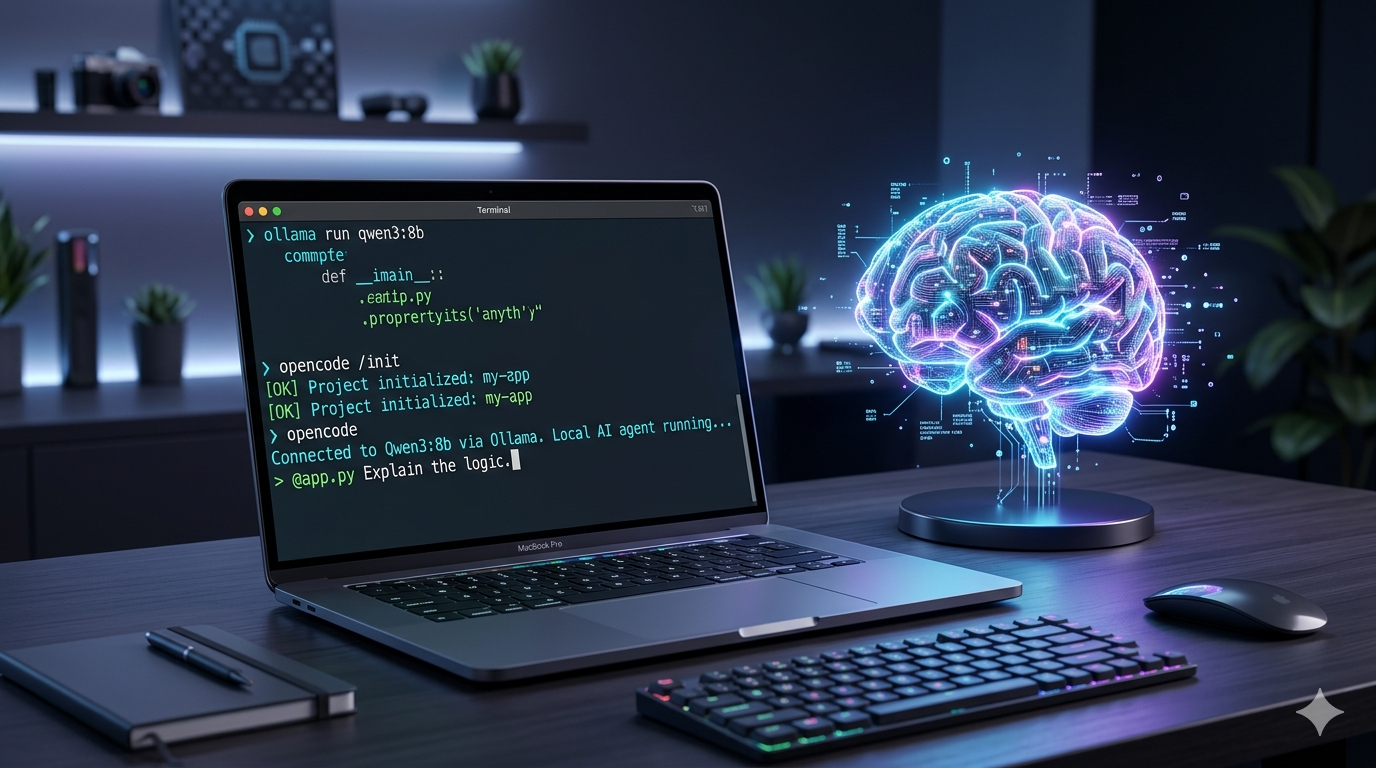
I wanted an AI coding agent that runs entirely on my MacBook. No API keys, no usage meters ticking in the background, no source code leaving the machine. This is the exact setup I landed on: Ollama as the model runtime, Qwen3 as the model, and OpenCode as the terminal-based agent. About 15 minutes from zero to working agent. Here's how to get it running.
Why bother with a local agent?
The cloud-based coding agents are great. I use them every day. But a few situations make the local version worth setting up:
- Privacy. Some of the code I touch (client work, internal infrastructure) just shouldn't go out over the wire. With a local model, nothing leaves the machine.
- Cost. No metered tokens. Once the weights are on disk, every prompt is free.
- Offline. Trains, planes, hotel WiFi that times out every 20 minutes. The local agent doesn't care.
- Tinkering. I like understanding what's running on my laptop. A local stack is poke-able in a way an API isn't.
The tradeoff is honest. A 7-8B model on consumer hardware is not Claude or GPT-5. It's good enough for boilerplate, refactors, test scaffolding, and explaining unfamiliar code. For deeper architectural work, I still reach for the cloud. Knowing where the line is matters more than picking a side.
What you'll need
- A Mac with Apple Silicon (M1 or newer recommended)
- At least 8GB of RAM (16GB is the sweet spot)
- Around 10GB of free disk space for the model
- Terminal access and Homebrew installed
That's it. Let's get into it.
1. Install Ollama
Ollama is the runtime. It loads the model into memory and exposes a local API on port 11434.
- Grab the installer from ollama.com.
- Drag the app into your Applications folder and launch it.
- Look for the llama icon in your menu bar. That tells you the service is up.
You can sanity-check it from the terminal:
curl http://localhost:11434/api/tags
If you get JSON back (even an empty list of models), you're good. It looks like:
{
  "models":[
    {
      "name":"qwen3:8b",
      "model":"qwen3:8b",
      "modified_at":"2026-05-15T22:29:57.516616405+02:00",
      "size":5225388164,"digest":"500a1f067a9f782620b40bee6f7b0c89e17ae61f686b92c24933e4ca4b2b8b41","details":{
        "parent_model":"",
        "format":"gguf",
        "family":"qwen3",
        "families":["qwen3"],
        "parameter_size":"8.2B",
        "quantization_level":"Q4_K_M"
      }
    }
  ]
}
2. Pull a Qwen3 model
Qwen3 is currently my favorite open-weight model for coding. Pick the variant that matches your RAM. More parameters means smarter answers, but also slower responses and bigger memory pressure.
| RAM | Command | Notes |
|---|---|---|
| 8GB | ollama run qwen3:4b | Fast. Good for boilerplate, regex, snippets. |
| 16GB+ | ollama run qwen3:8b | My default. Solid logic and debugging. |
| 32GB+ | ollama run qwen3:32b | Slow but capable. Refactors and architecture. |
The first run downloads the weights (a few GB), then drops you into a chat prompt. Type /bye to exit once it finishes.
To verify the model is registered:
ollama list
3. Install OpenCode
OpenCode is a terminal-based coding agent: think Claude Code, but with pluggable providers. That last part is the reason it works for this setup. Point it at Ollama and you've got a local agent.
# Using Homebrew
brew install sst/tap/opencode

# OR using the install script
curl -fsSL https://opencode.ai/install | bash
Confirm the install:
opencode --version
4. Wire OpenCode to Ollama
By default OpenCode looks for cloud providers. We need to tell it about the local one. Create a config file at ~/.config/opencode/opencode.json:
{
  "$schema": "https://opencode.ai/config.json",
  "provider": {
    "ollama": {
      "npm": "@ai-sdk/openai-compatible",
      "options": {
        "baseURL": "http://localhost:11434/v1"
      },
      "models": {
        "qwen3:8b": {}
      }
    }
  }
}
A few things worth knowing:
- The
baseURLends in/v1. Ollama exposes an OpenAI-compatible API there, which is what OpenCode talks to. - The model key (
qwen3:8b) has to match the tag you pulled in step 2. If you grabbed a different size, change it here. - You can list multiple models in the
modelsblock and switch between them inside OpenCode.
5. Run it
From any project directory:
cd ~/code/some-project
opencode
On first launch OpenCode asks you to pick a model. Choose ollama/qwen3:8b. From here it behaves like any other coding agent: ask it to read a file, refactor a function, write tests, explain a stack trace.
Try a small task first to calibrate expectations. Something like:
Read
src/auth.tsand write a Vitest test for thevalidateTokenfunction.
If the response is solid, you're set. If it hallucinates or stalls, drop to a smaller model or simplify the prompt.
A note on speed
The first response after a cold start is slow because the model has to load into memory. After that, on an M-series chip, I get something close to streaming speed with the 8B model. The 32B is noticeably slower, maybe a second or two before tokens start landing. Both are workable if you're not benchmarking against a frontier API.
Where this falls short
I want to be upfront about what local doesn't do well yet:
- Long context. The default Ollama context window is 4096 tokens. That's tight for real codebases. You can bump it with a
Modelfile, but you pay for it in memory. - Tool-use depth. Local models can call tools, but the chain across many tool calls isn't as crisp as Claude or GPT-5. Expect to babysit.
- Hard architectural reasoning. A 7-8B model can summarize, refactor, write tests. For "rethink this module," I'm still on the cloud.
None of this is a dealbreaker. It just means a local agent is a different tool, not a free replacement.
Wrapping up
That's the whole setup. Ollama for the runtime, Qwen3 for the brain, OpenCode for the agent loop. About 15 minutes from zero to working agent, and you end up with a coding assistant that runs on your laptop, doesn't phone home, and costs nothing per prompt.
I've been using this as a daily tool for low-stakes work (rewrites, test scaffolding, exploring unfamiliar files) and saving the cloud agents for the harder problems. It's a good split.